 Download
 New · Showcase 1.0.0 for Windows

Showcase
Every game you own. Every store. One library.
Steam, GOG, Epic, PlayStation, Xbox, Nintendo: your games are spread over six launchers and six accounts. Showcase signs in to each, brings everything home to one library on your PC, and stacks the games you bought more than once.
- 6
- Stores
- 1
- Library
- Free
- No account
Free · Windows 11, 64-bit · 1.0.0 · .msi installer
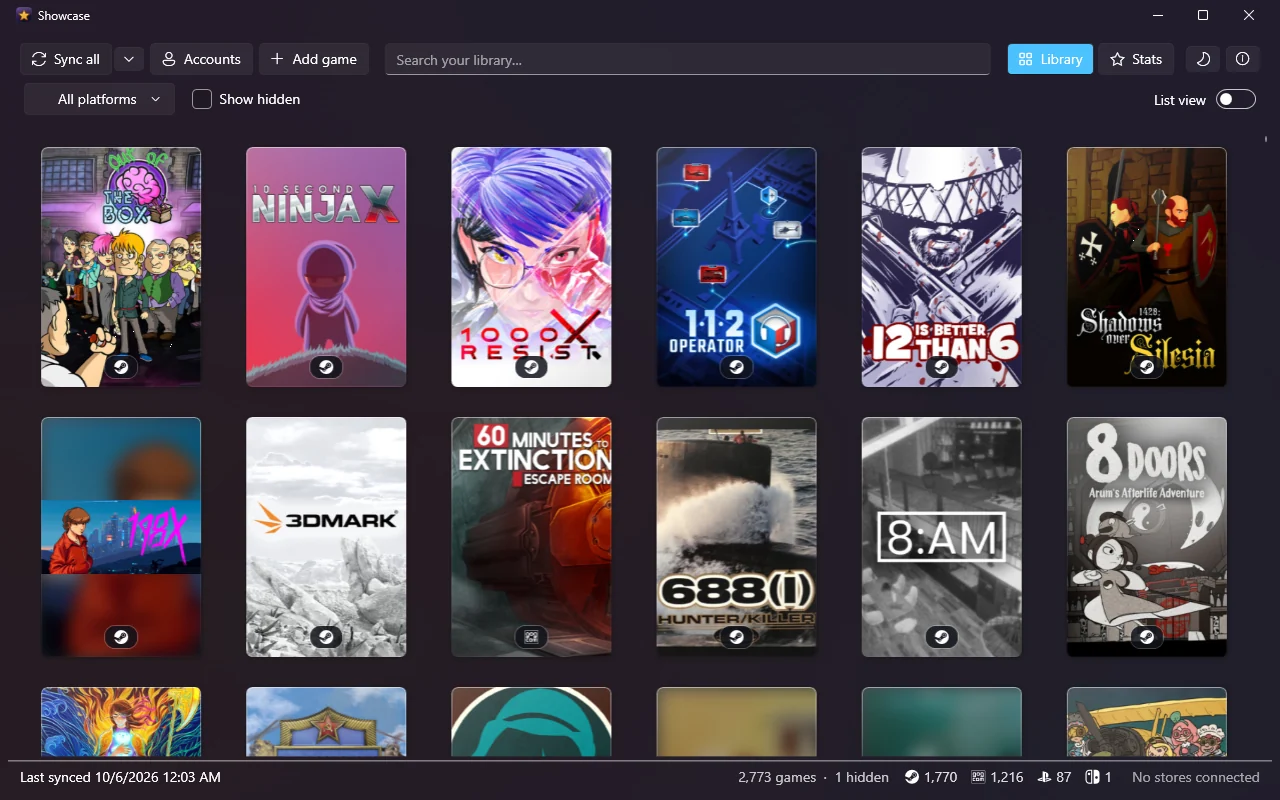
Stacks
A game you own three times is one poster.
Bought The Witcher 3 on Steam, again on GOG, and once more on PlayStation? Showcase puts them in one stack, with the other copies peeking out behind the poster and an icon for each store underneath.
It matches titles the way you would: ™ and ®, “The”, Roman numerals and Game of the Year or Deluxe labels don't keep two copies apart. Gold, Definitive and Remastered usually mean a different release, so those stay separate. Thief Gold isn't 2014's Thief.
Profiles
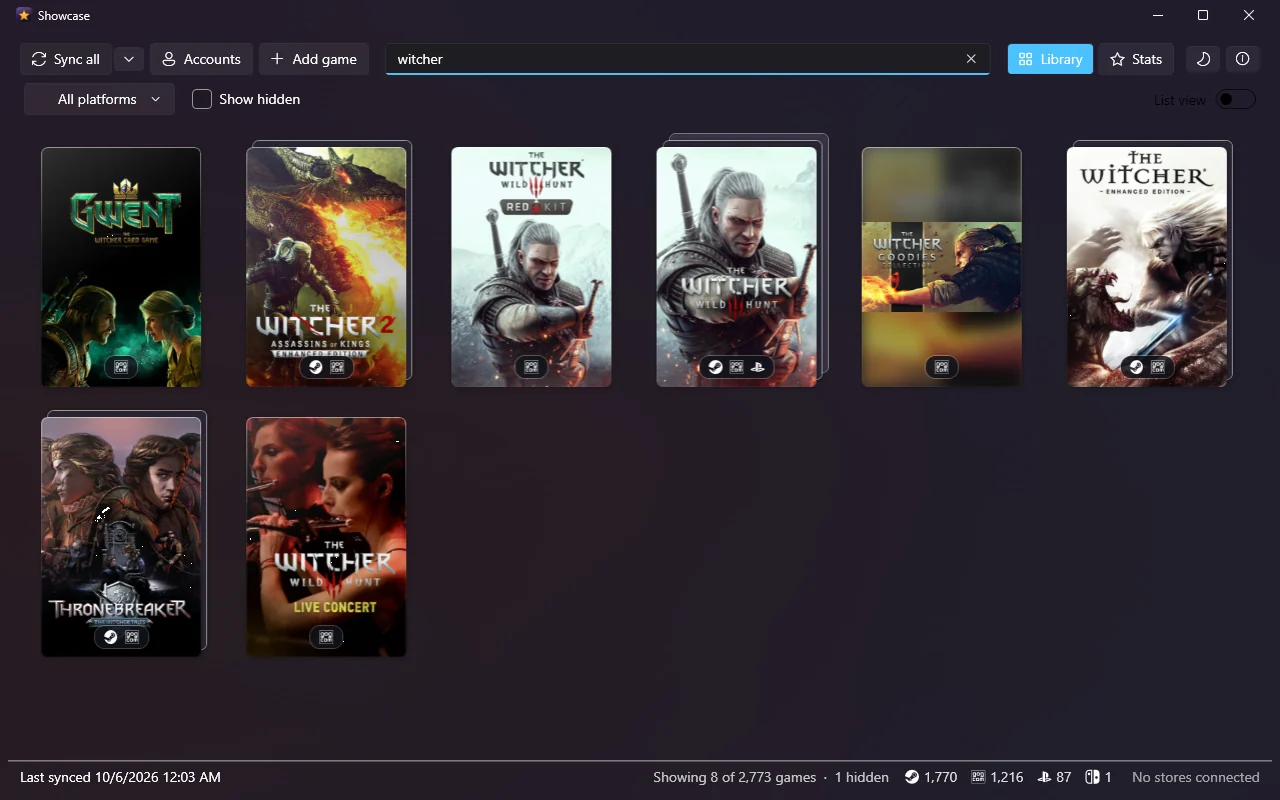
Every game gets its own page.
Double-click a poster for its profile: banner, description, release date, developer, screenshots, and the achievements you've unlocked, newest first, with how rare each one is.
A stacked game has a switch for each copy, because each store keeps its own details and its own achievements. A copy you'd rather not see can be hidden on its own.
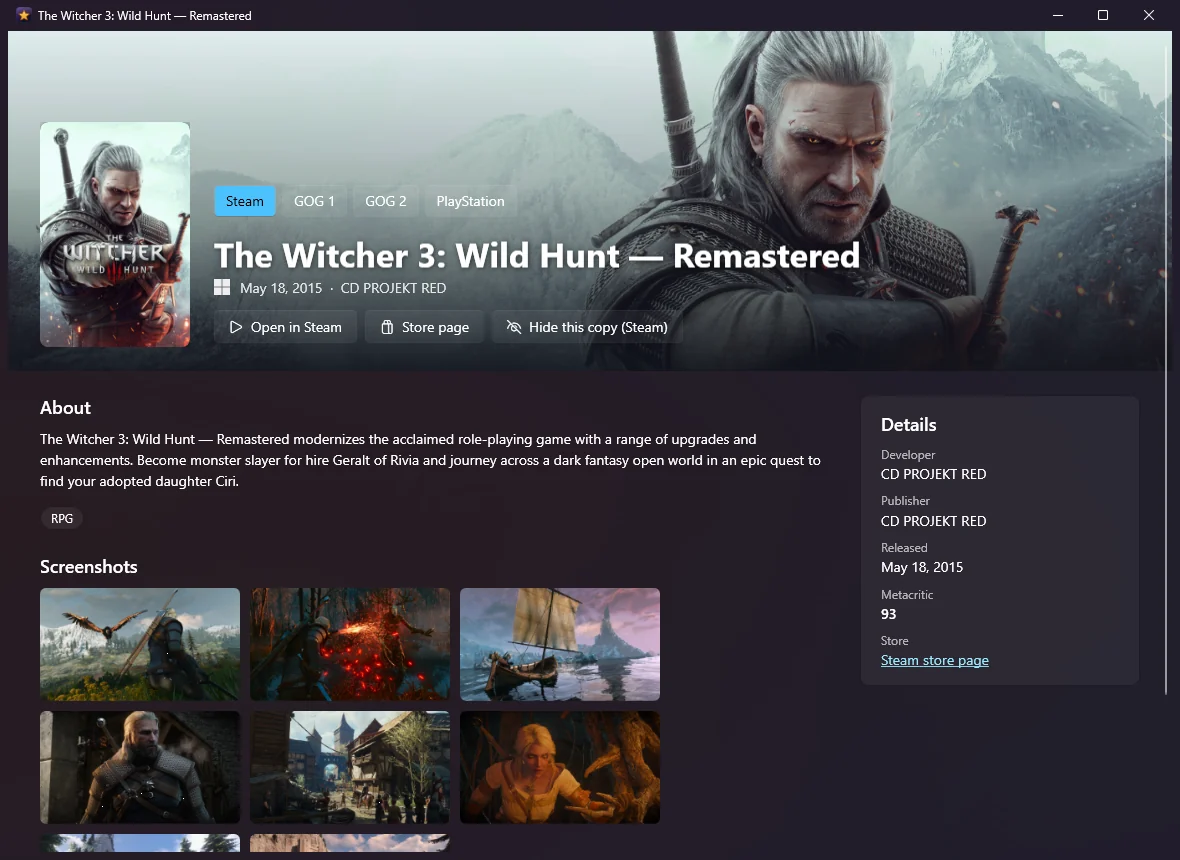
Stats
Numbers worth showing off.
How many games, how many unique titles, how they split by store and by operating system, achievements unlocked and perfect games.
On top is your brag card: a 1200×630 image with your numbers and a wall of your own posters. Shuffle the posters, copy it, or save it as a PNG for wherever you post.
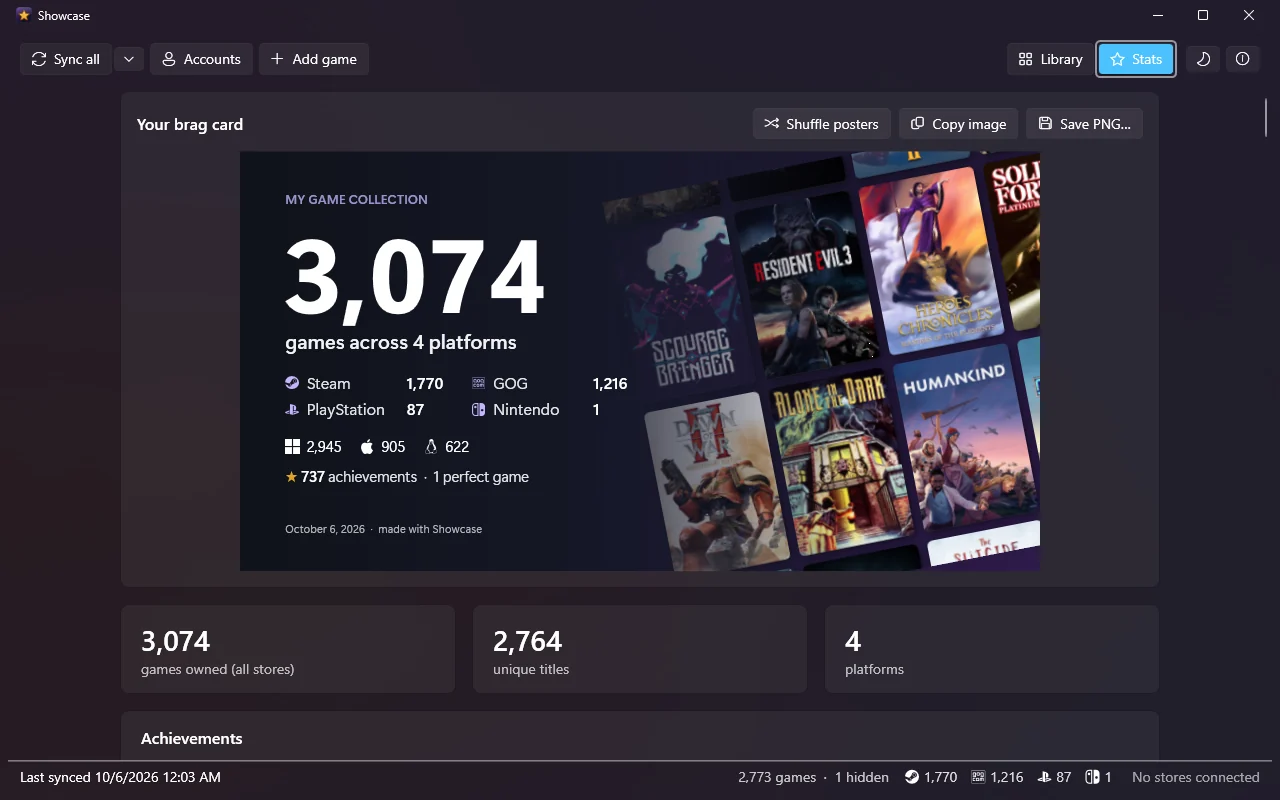
List
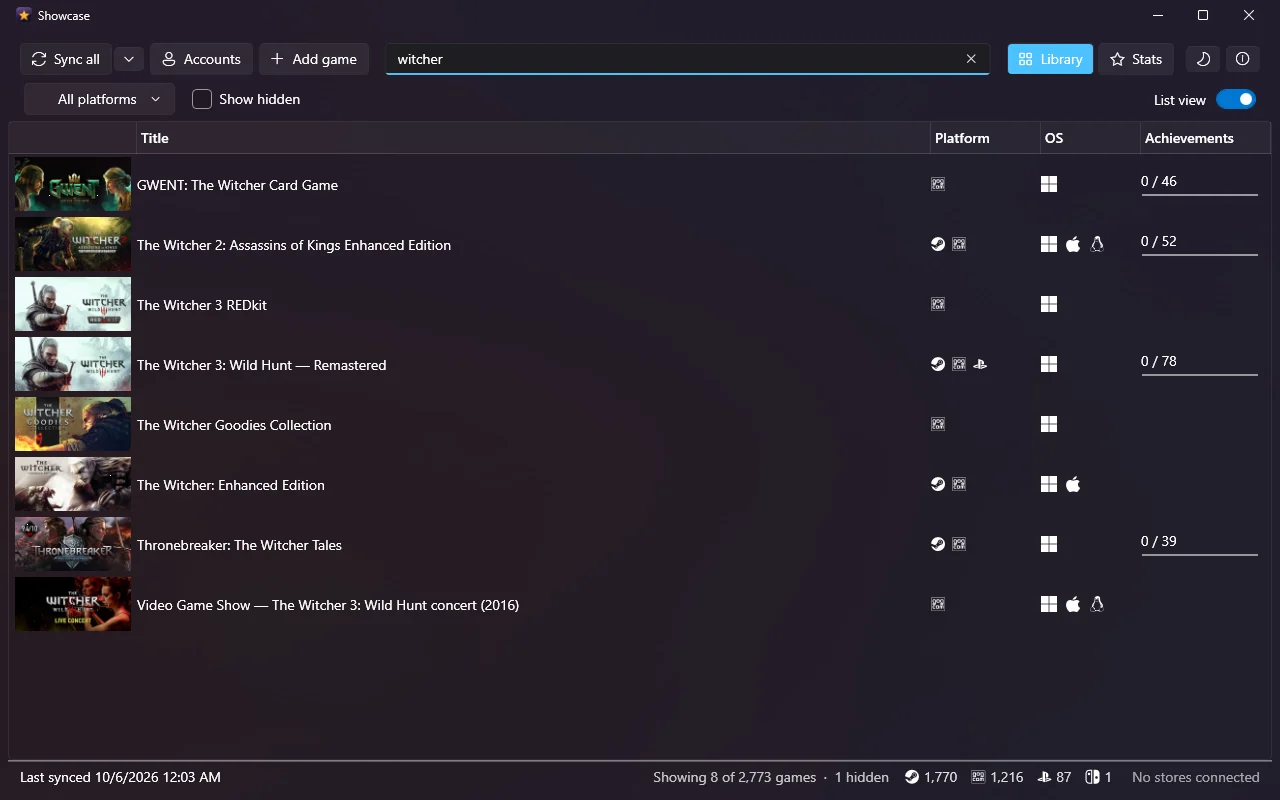
Or as a list, when you're looking for something.
The list view has the banner, the stores, the operating systems each game runs on and your achievement progress, and sorts on any of them. Search and the store filter work in both views.
Cartridges and discs no store knows about go in by hand: type the title, pick the console, and Showcase finds the cover. And a showcase command-line tool reads the same library.
Sign-in
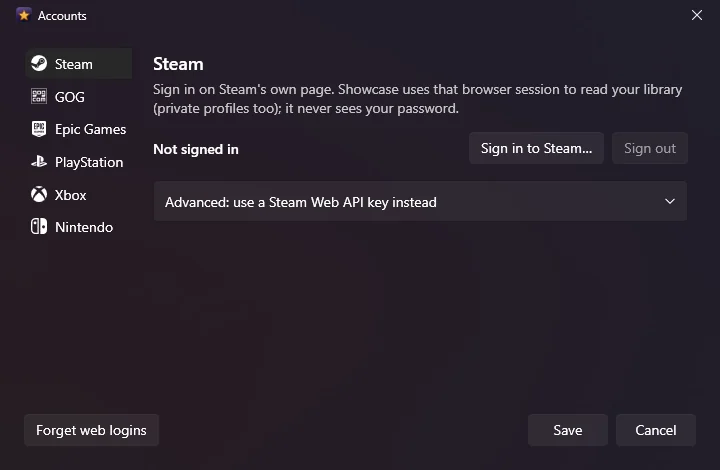
You sign in on each store's own page.
Showcase opens Steam's, GOG's, Epic's, Sony's, Microsoft's and Nintendo's own sign-in pages, the way their own launchers do. It never sees your password, and private Steam profiles work.
Then press Sync all. Showcase syncs again on its own when the last sync is more than six hours old.
The stores
What Showcase gets from each one
Each store tells it something different. Sony and Microsoft only list games you've started, so a purchase you've never launched won't show up until you do.
- Steam
- Every game you own, achievements included.
- GOG
- Every game you own, hidden ones too, with achievements.
- Epic Games
- Every game you own; DLC and Unreal Engine assets left out.
- PlayStation
- PS4 and PS5 games you've played, and every game with trophies, PS3 and Vita too.
- Xbox
- Everything you've played on Xbox One, Series, 360 and PC, with Gamerscore.
- Nintendo
- Your eShop purchases: Switch, Switch 2, 3DS and Wii U.
Privacy
Your library stays on your PC
Showcase talks to the stores and to nothing else. There is no Showcase account and no Wizhut server in the middle. Your library is a SQLite file in your own user folder, and the store sign-ins are encrypted with Windows' own data protection, so they're useless on another account or another PC.
Download for Windows Free · Windows 11, 64-bit · 1.0.0 · .msi installer